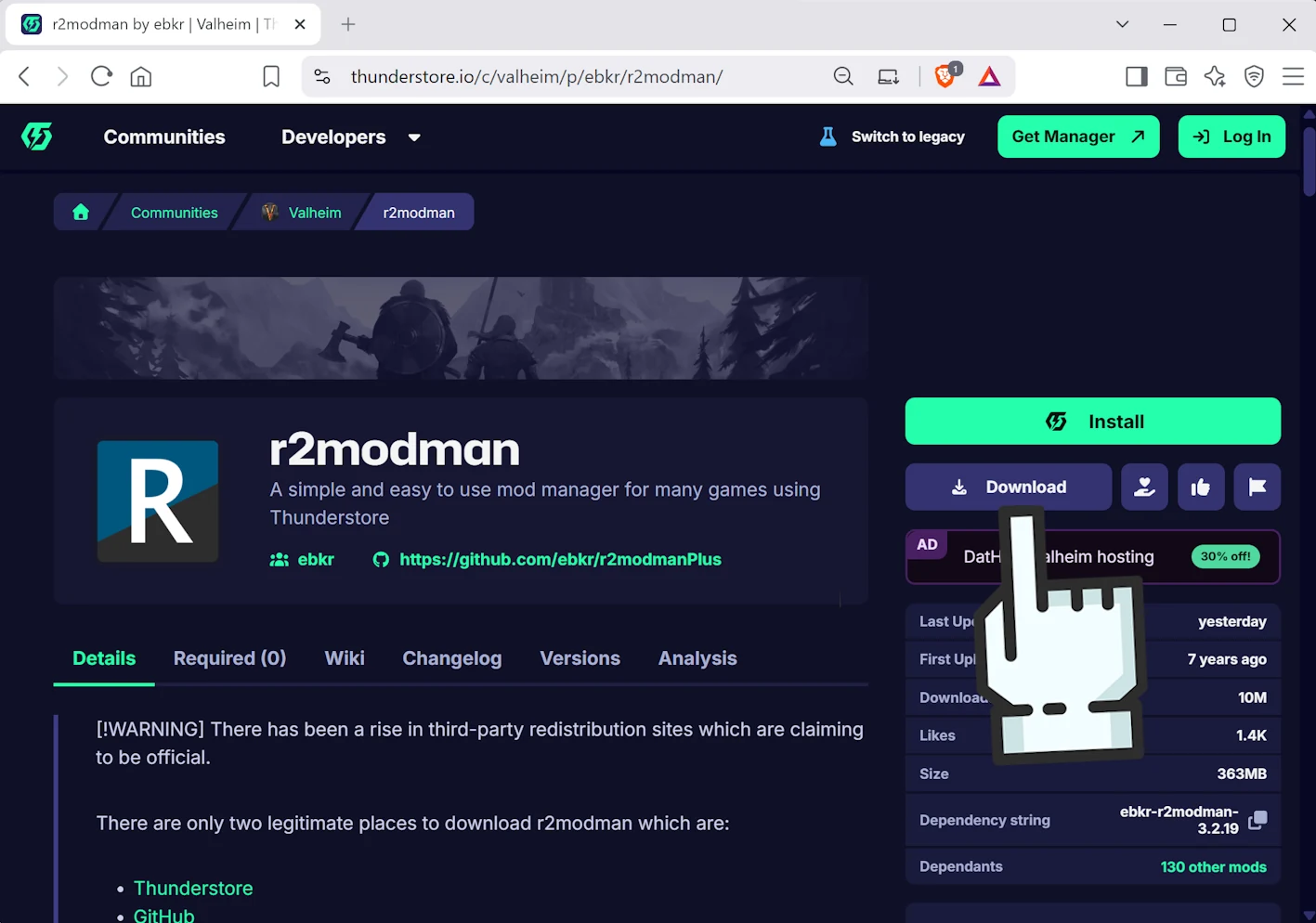
Go to the
r2modman page on Thunderstore
and click “Download” to download the r2modman mod manager.
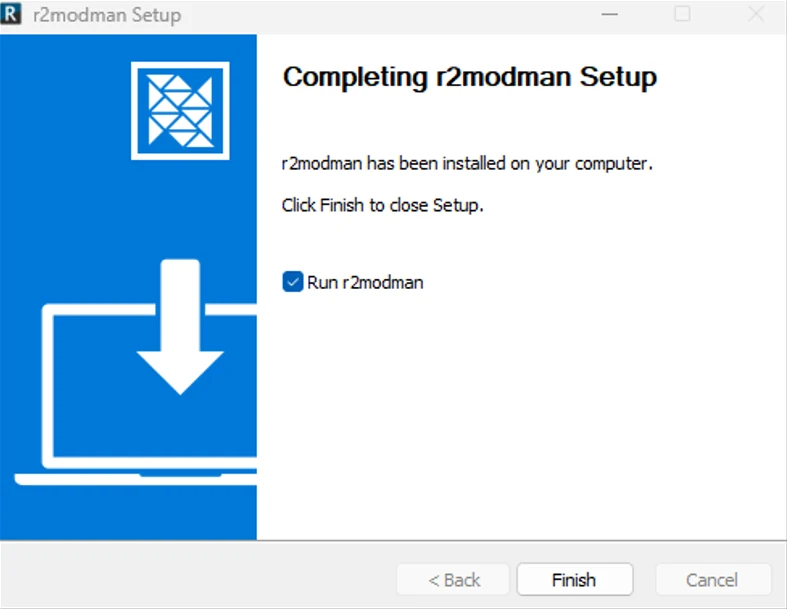
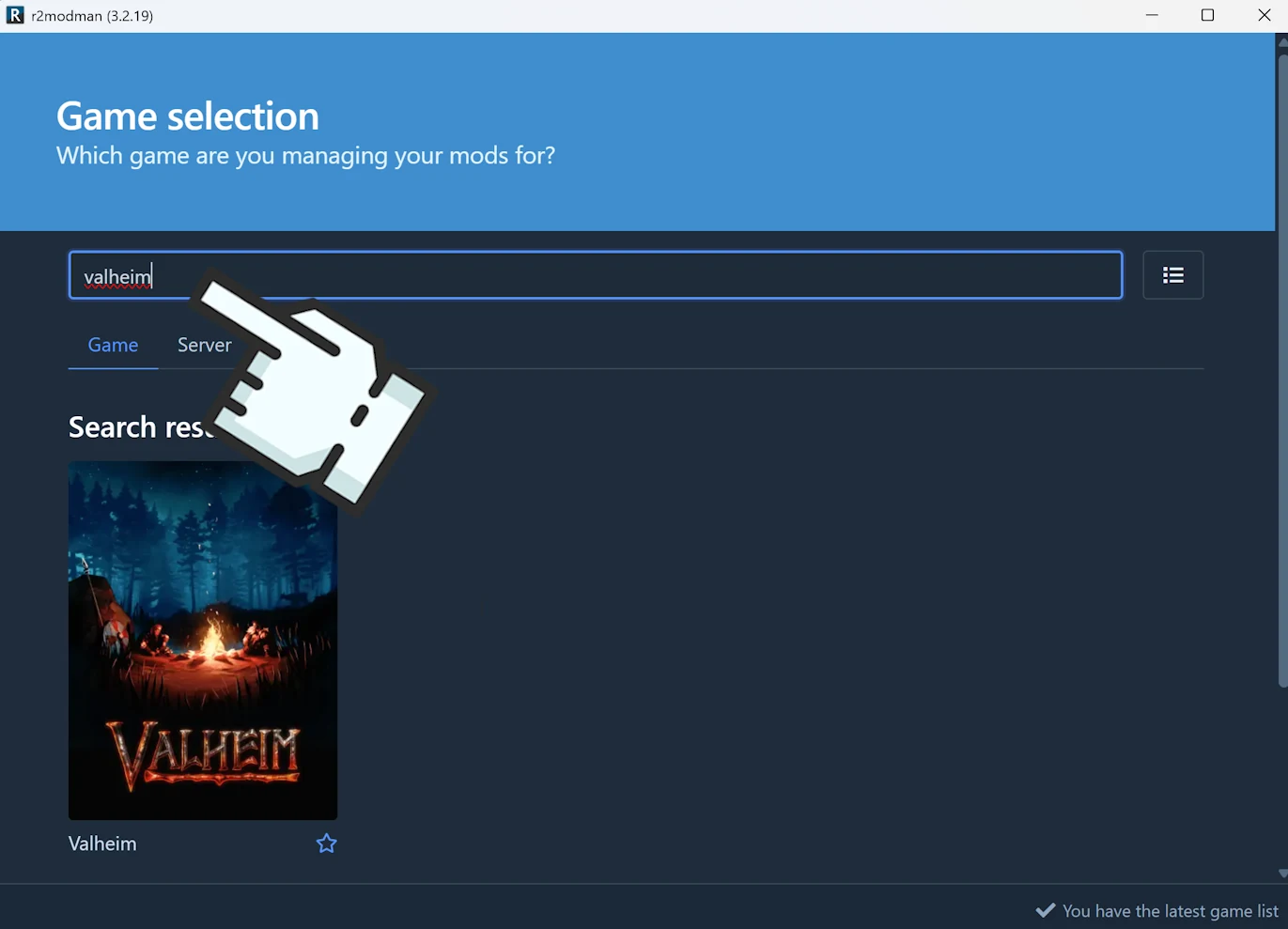
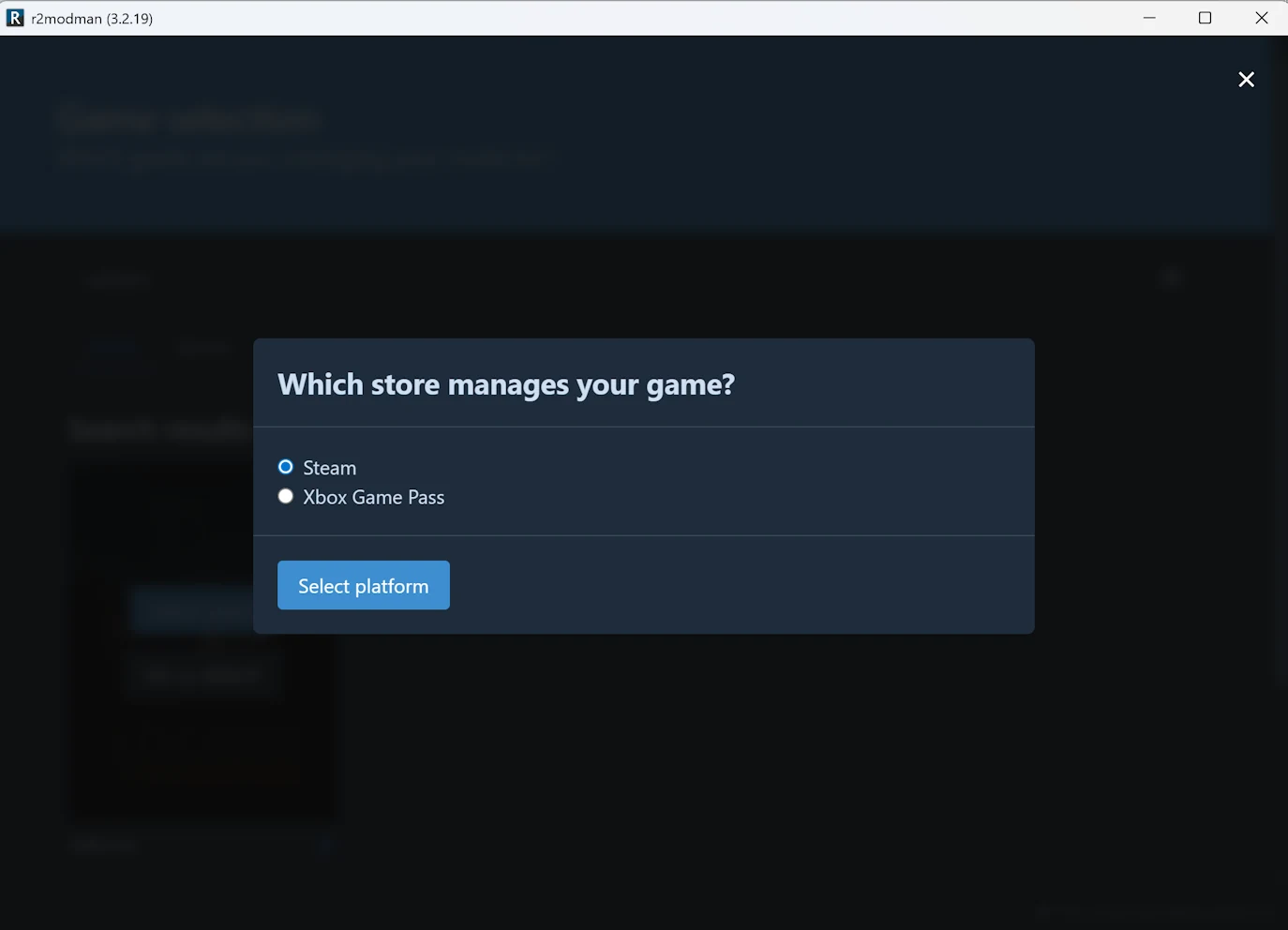
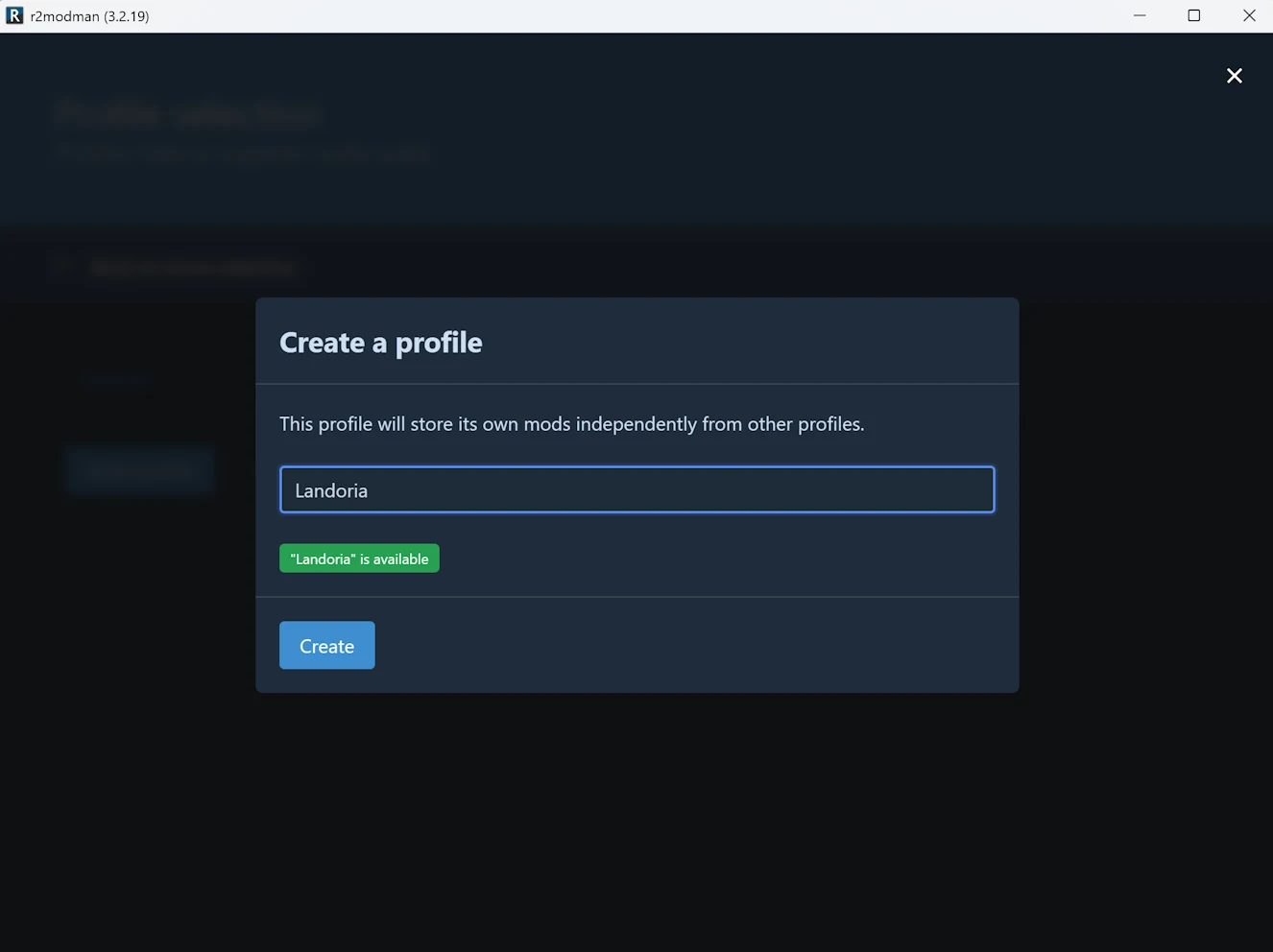
Install r2modman. At the end, keep “Run r2modman” selected and click “Finish” to launch it.Search for “Valheim” in the game list, then click the game.Choose your platform: “Steam” or “Xbox Game Pass”. Then click “Select platform”.Click “Create new”, name the new profile “Landoria”, then click “Create”.
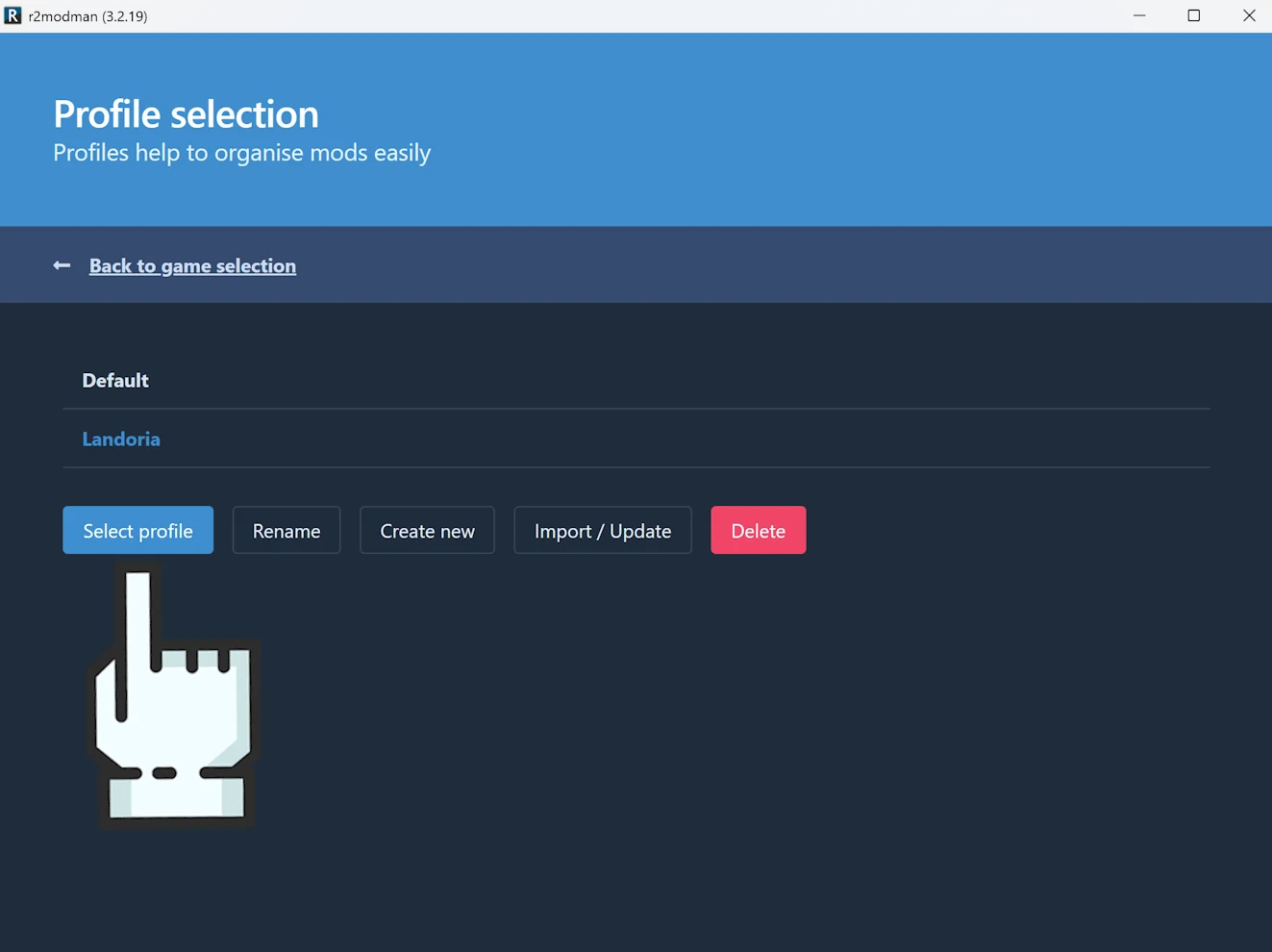
Select the “Landoria” profile. Once it is selected, return to the
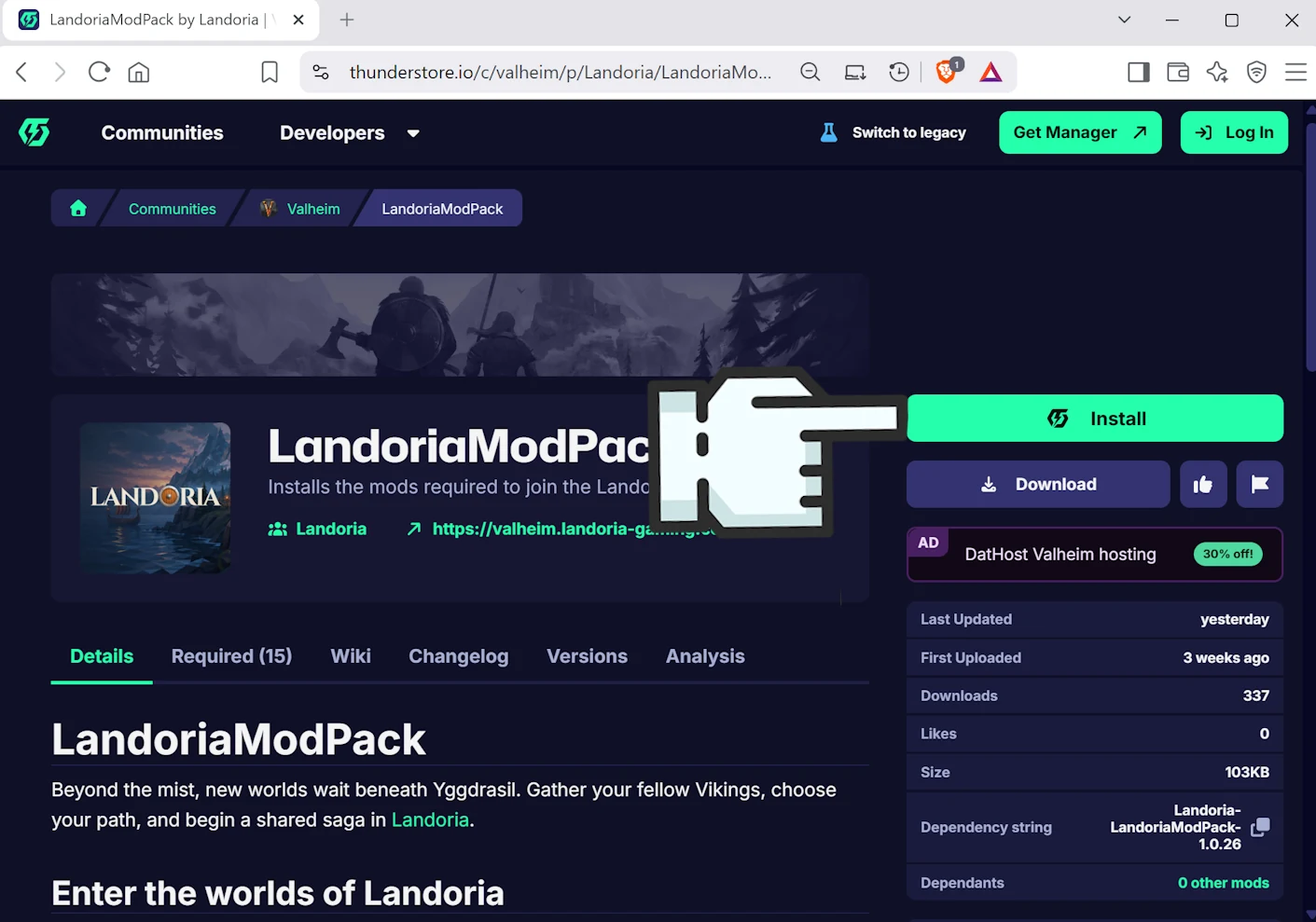
LandoriaModPack page on Thunderstore.
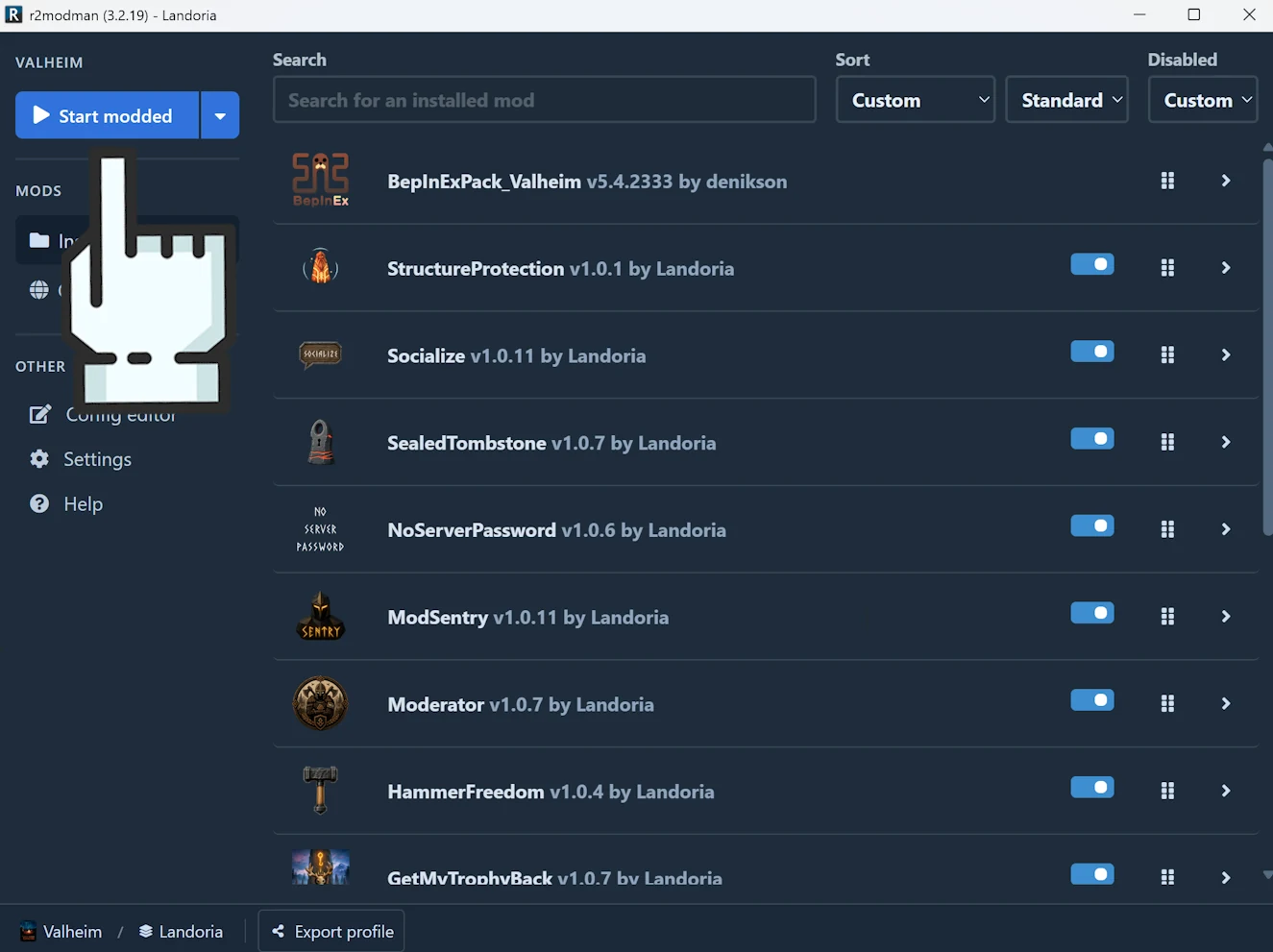
Click “Install” to automatically download and install LandoriaModPack with r2modman.LandoriaModPack is now installed in r2modman. Click “Start modded” to launch Valheim with the mods.